Appearance
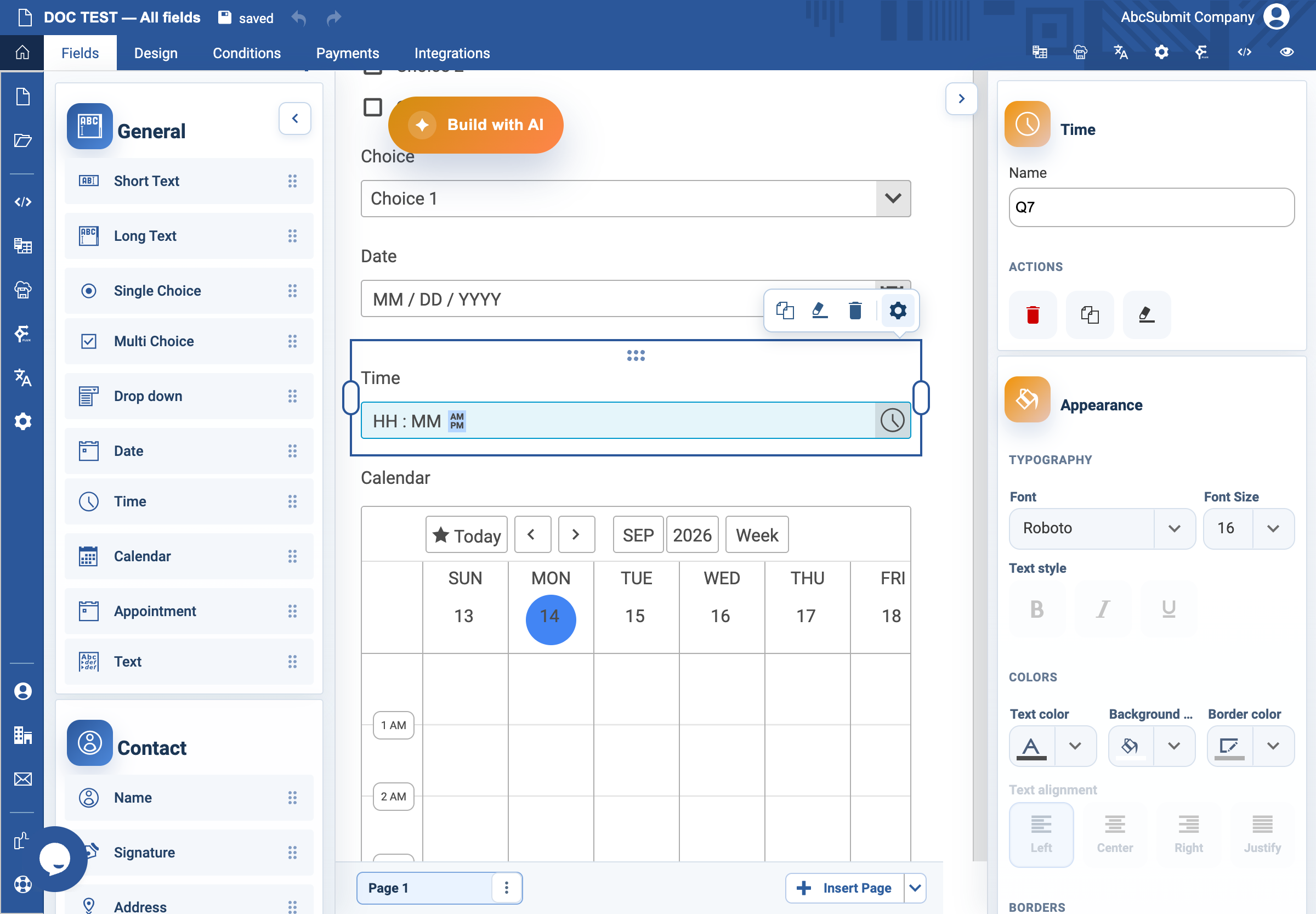
Time field
Use Time when the respondent must provide a time of day without selecting a date.
Example: preferred call time
- Open Fields > General and select Time.
- Select the field and open Edit.
- Set the label to
Preferred call timeand Name topreferred_call_time. - In Validation, choose the time format used by your audience.
- Turn on Required Field only if a time is needed to handle the request.
- Add Custom error text:
Enter a preferred call time. - Add nearby Text content if a timezone is important:
All times are Europe/Bucharest time. - Preview using a valid time and an invalid value.
Expected result
The form collects one time value in the expected format. It does not represent booking availability; use an Appointment field for that.