Modèles de workflow | Workflows métier pour les PME

Besoin d’un modèle de workflow ? Commencez avec des workflows prêts à l’emploi incluant formulaires, validations, routage et étapes de processus, puis adaptez chaque flux à votre équipe.
Parcourez des workflows d’approbation, de demande, d’onboarding, des processus opérationnels internes et d’autres exemples réutilisables pour démarrer plus vite et standardiser la circulation du travail dans votre entreprise.
Commencez à créer des workflows automatisés maintenant.

Bookkeeping Workflow Template Collect bookkeeping client intake details and route new requests through a structured approval and first-meeting process. The form captures contact information, business details, service needs, accounting software, transaction volume, records availability, and the people responsible for review. Approved requests create a client-first-meeting task and continue to a configurable Google Calendar step. Rejected or expired reviews notify the requester. Customize approvers, task instructions, calendar configuration, and notification content for your bookkeeping practice.
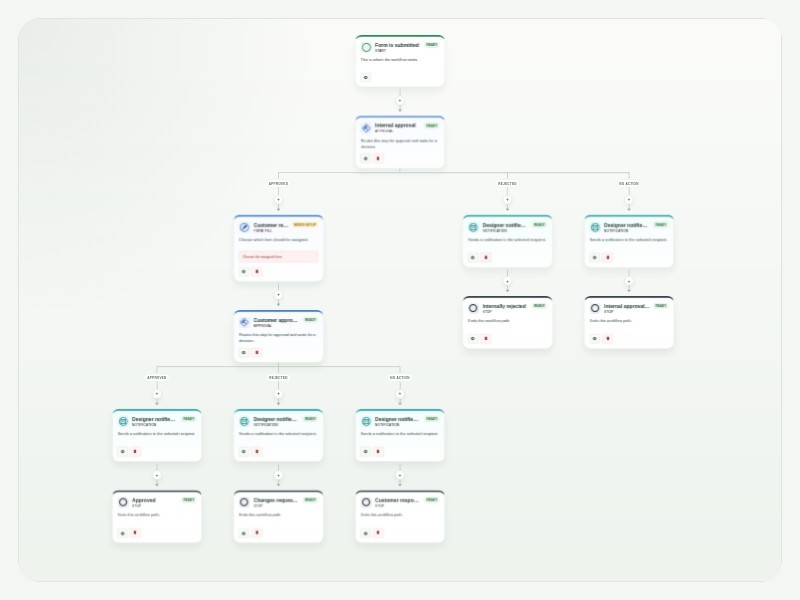
Design Approval Process Template The Design Approval Process Template makes it easier to review, approve, and track creative work from start to finish. It gives design teams a clear process to follow, keeps everyone involved in the loop, and creates a record of each approval along the way. With Flux Builder, designers can submit their work through a customizable form and automatically send it to the right people for review. For example, a project lead can review the design first, followed by the design director, before the approved work is sent to the client. Once a decision is made, the designer can automatically receive an update letting them know whether their work was approved or needs changes. You can customize the workflow to match the way your team works. Add or change approvers, create extra review steps, set conditions for different types of projects, and personalize notifications. Tasks and approvals can also be tracked in one place, making it easy to see what’s waiting for review and what has already been completed. By automating these steps, your team can spend less time chasing feedback and managing approvals manually, while keeping designers, stakeholders, and clients aligned throughout the process.
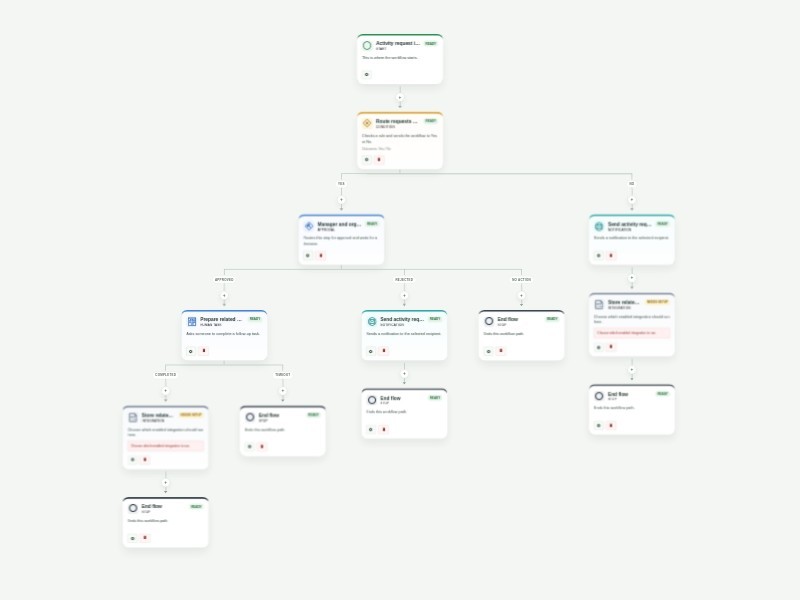
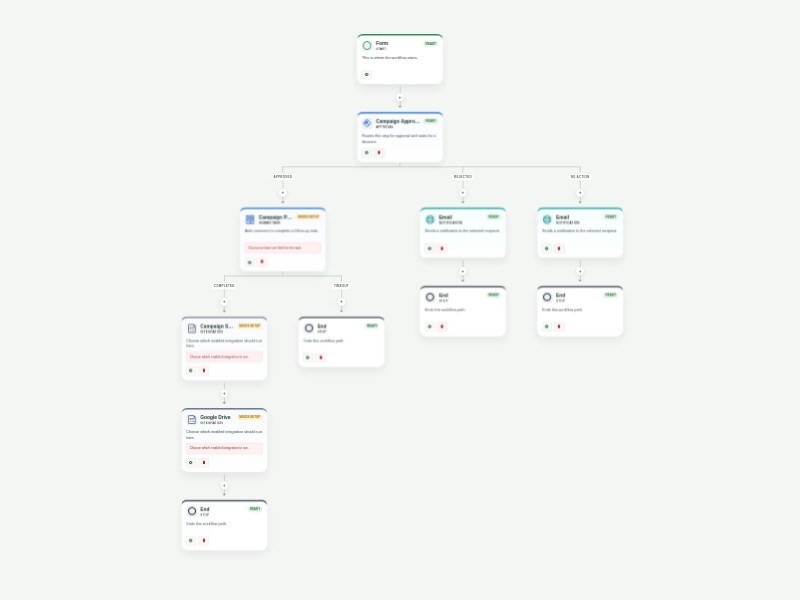
Activity Request Approval Workflow Template Collect and route activity requests through a clear approval process for schools, teams, event planners, and community organizations. The form captures event details, capacity, location, scheduling, support needs, and related files so organizers can evaluate every request consistently. Requests for more than 10 expected attendees are sent to the manager and organizer for review. Approved requests create a preparation task and then continue to a configurable Google Drive step for related documents. Requests that do not need approval receive an update and continue to the same document step; denied requests receive an update and end. Customize the attendance threshold, reviewer addresses, task instructions, notification content, and Google Drive configuration for your organization.
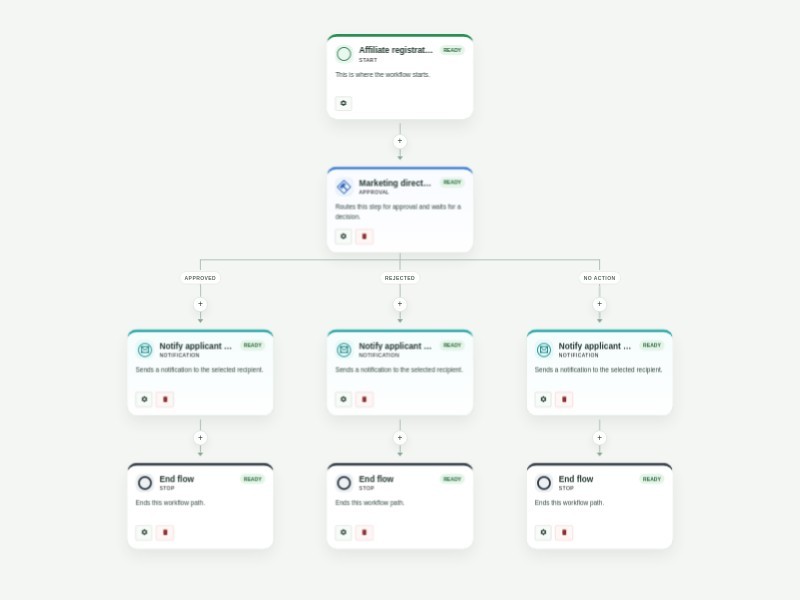
Affiliate Registration Approval Process Template Collect affiliate applications and route them through a clear approval process for marketing teams and affiliate program managers. The form captures the applicant’s contact details, website, promotion method, payment email, signature, and submission date so reviewers can evaluate each prospective affiliate consistently. Each application is sent to the marketing director and affiliate manager for review. Approved applicants receive an automated acceptance email, while rejected or expired reviews send an automated denial email. Customize the reviewer email addresses, review timing, and notification content for your affiliate program. Workflow history keeps a clear record of each application and decision.
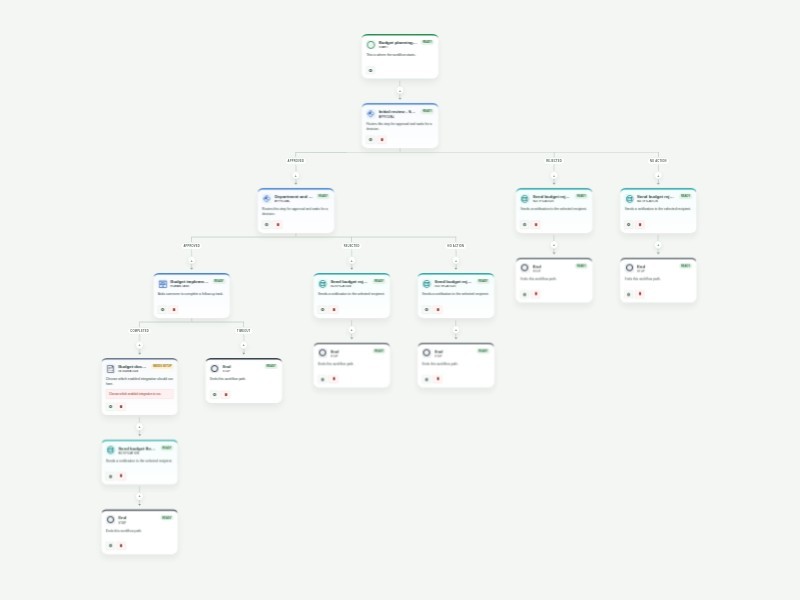
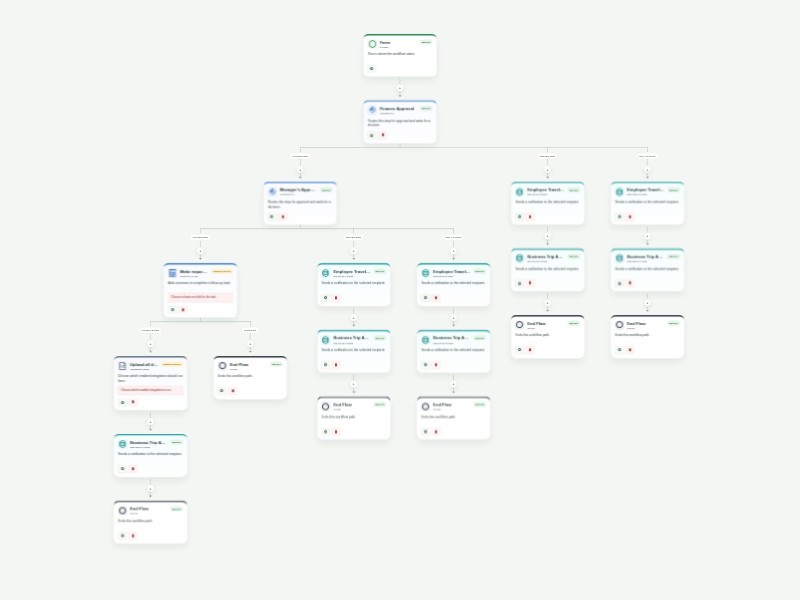
Purchase Order Approval Template Keep purchase order requests moving with a clear, repeatable approval process. This template collects office supply requests, routes them through department and finance review, and gives each approver the context needed to make a confident decision. After the first review, the requester completes vendor, cost center, item, and delivery details in a linked purchase order form. The completed request then goes to final COO approval, while automatic updates keep the requester informed when a request is denied, overdue, or approved. Customize the approver email fields, request questions, approval timing, and notification messages to match your purchasing policy. Use the workflow activity history to see where each request is waiting and maintain an auditable record of every decision.
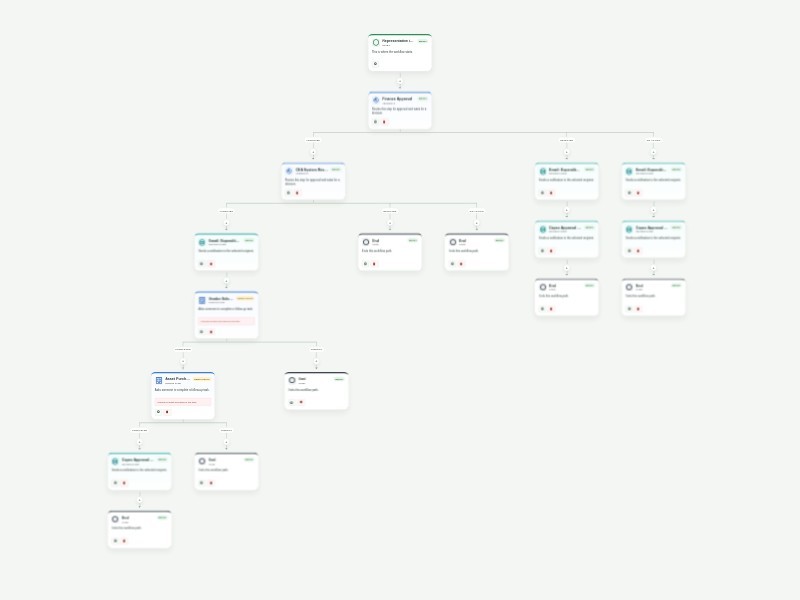
Account Approval Workflow Template Review account-opening applications with a consistent approval path that is ready for financial institutions, membership organizations, and service businesses. The template collects applicant details, identification, account preferences, supporting documents, and the reviewers responsible for each decision. Personal account applications are routed to the Head of Investments and CFO, while all other account types are routed to the Finance Manager and CFO. Each approval requires a comment, and clear approval or rejection reports create an auditable decision record for the applicant and operations team. Customize the account types, approver email fields, review timing, report recipients, and Google Drive integration for your organization. Use the workflow history to identify applications awaiting review and keep account onboarding secure, timely, and consistent.
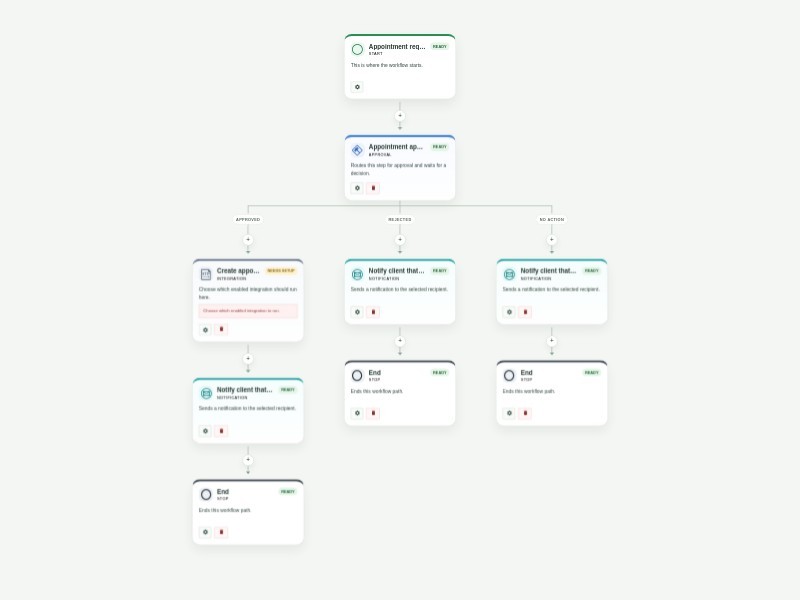
Appointment Scheduling Workflow Template Automate appointment requests with a structured review and calendar scheduling flow for clinics, consultants, service teams, and administrative staff. Collect client details, requested dates and times, appointment needs, and the staff member responsible for approval. Approved requests continue to a configurable Google Calendar step and notify the client that the appointment is set. Rejected or expired reviews notify the client that the request was not accepted. Customize approvers, scheduling settings, calendar configuration, and notification content for your organization.
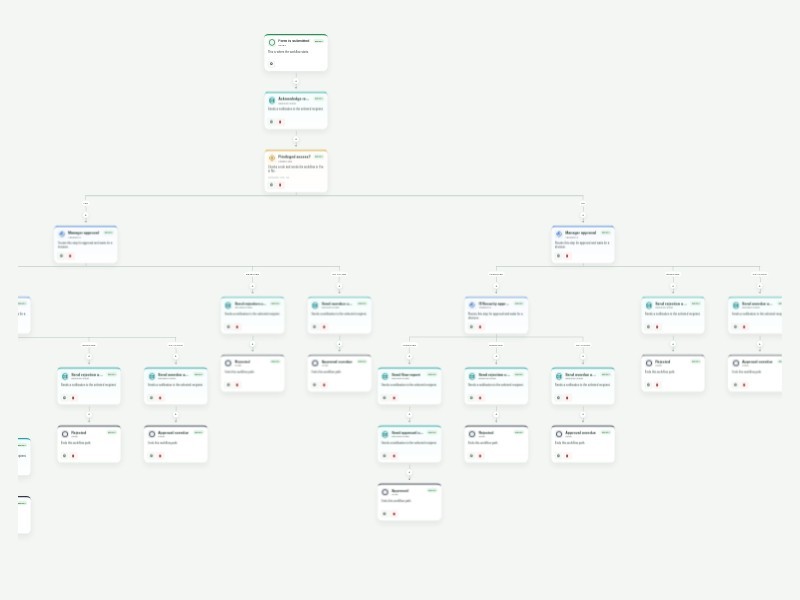
Access Approval Request Workflow Template Streamline requests for applications, databases, shared files, VPNs, and physical locations with a structured access approval process. This template captures the requested system, access level, timing, business justification, supporting files, and the people responsible for reviewing the request. Standard access requests move from the requester's manager to the IT or security reviewer. Privileged requests add an executive approval before the security review, so sensitive permissions receive the right level of oversight. Required approval comments and automatic requester updates create a clear, auditable record of each decision. Customize the approver email fields, access types, review timing, and notification messages for your organization. Use the workflow history to see where requests are waiting, follow up on overdue approvals, and keep access decisions consistent with your security policy.
Animal Adoption Approval Workflow Template Streamline pet adoption applications with a structured review, home-visitation scheduling, calendar coordination, and clear applicant updates. The form collects the prospective adopter’s contact details, household and yard information, current pet-care practices, veterinarian details, references, and authorization. A shelter manager reviews each application. Approved applicants move to a home-visitation task and configurable Google Calendar step, followed by an approval-history report to the shelter manager and an approval email to the applicant. Rejected or expired reviews send a denial email. Customize recipient addresses, task timing, calendar configuration, and notification messages for your shelter or rescue organization.
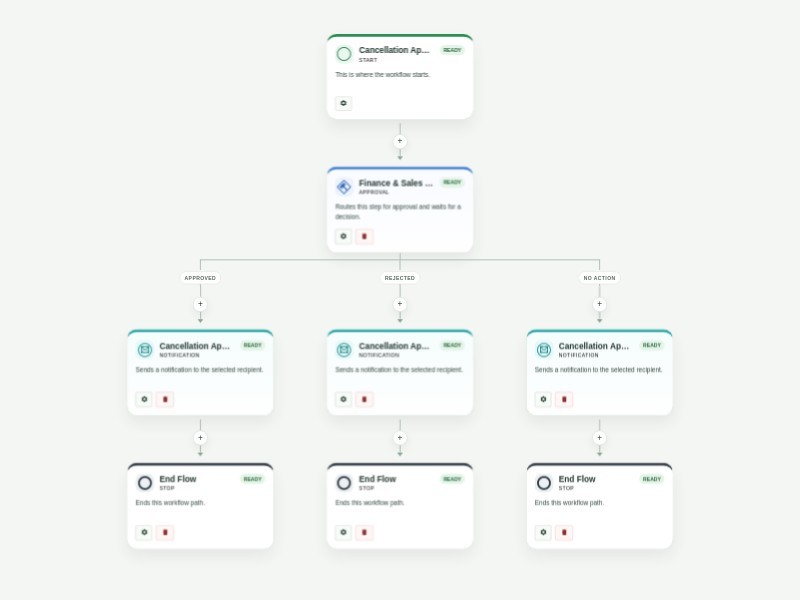
Account Closing Approval Workflow Template Manage account closure requests with a clear, secure review process for banks, financial institutions, service businesses, and customer support teams. The form collects the account holder and account details, the requested closure date, supporting documentation, and authorization needed to evaluate the request. An account manager reviews each request. When it is approved, an account specialist receives a closure task and confirms the work before the account holder is notified. Rejected or expired reviews notify the requester without starting the closure task. Customize account types, approver and specialist recipients, review timing, and your organization’s required closure documentation. Workflow history provides a consistent record of each request and its outcome.